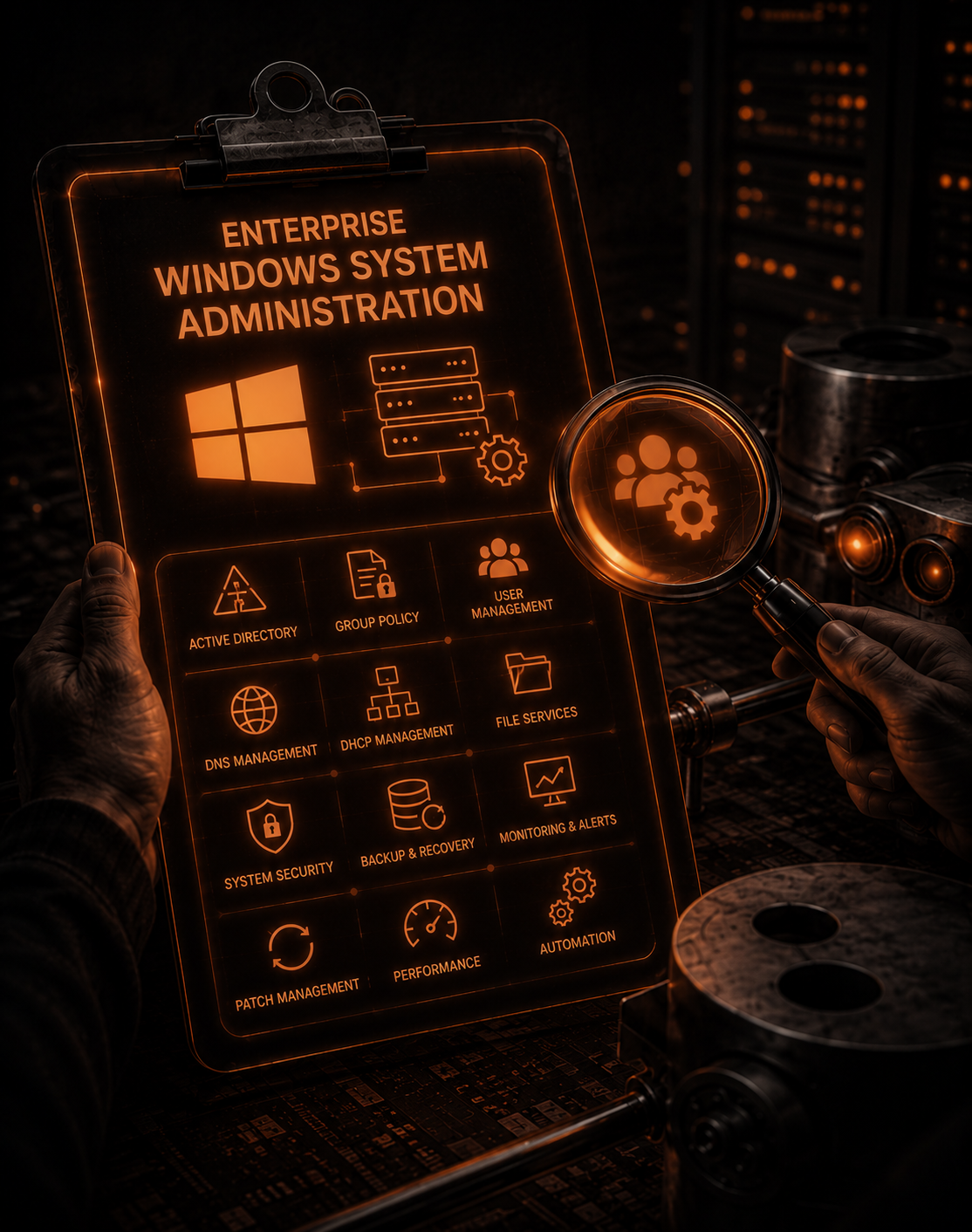

Enterprise Windows System Administration
This training provides participants with the skills and knowledge required to manage IT infrastructure at an enterprise level. The program covers the configuration and management of large-scale server networks, operating systems (Linux/Windows Server), data storage systems, cloud computing, and system security. The goal of the course is to train highly qualified System Administrators (SysAdmins) who can ensure the continuous, secure, and resilient operation of complex corporate systems.
Üstünlüklərimiz
Professional Mentors
Guidance and support from experienced specialists
Practical Learning
Not just theory — hands-on experience through real projects
Modern Technologies
Python, AI, web development and other trending fields
Career Support
CV preparation, interview simulations and access to job opportunities
Curriculum
Introduction to Windows Server 2025
- 1.• Overview of Windows Server 2025 features • Differences between editions (Standard, Datacenter, Essentials) • Licensing and system requirements • Key new features and improvements in Windows Server 2025 • Installation methods: GUI and PowerShell • Initial server configuration and role installation • Networking basics: IP configuration, DNS setup, and static IP assignments • Overview of Server Manager and basic administrative tools • Overview of AD DS (Active Directory Domain Services) • Creating and managing user accounts, groups, and organizational units (OUs) • AD Domain Services (AD DS) structure and deployment considerations • Introduction to AD replication and global catalog • Domain controller installation and configuration • Understanding AD database and sysvol folder • Replication topology and managing replication • DC promotion and demotion, FSMO roles • Configuring Global Catalog servers and understanding their role • Differences between GC and RODC and their use cases • Deployment and management of RODC in branch offices • Changing and managing Domain Functional Level (DFL) and Forest Functional Level (FFL) • Impact of changing functional levels on existing features • Features available in higher functional levels • Overview of FSMO roles: Schema Master, Domain Naming Master, PDC Emulator, RID Master, Infrastructure Master • Transferring and seizing FSMO roles • Best practices for FSMO role management • Metadata cleanup after role seizing or DC removal • Steps to safely demote and remove a Domain Controller • Ensuring no residual replication issues or orphaned records • Manual removal from Active Directory Sites and Services • Handling FSMO role seizure in disaster recovery scenarios • Cleaning up metadata after the removal of a DC • Using Ntdsutil for FSMO and metadata management • Group Policy fundamentals and best practices • GPO application scope: Domain, OU, site, and forest • Key components: Group Policy Preferences, Security Settings, Administrative Templates • GPO versioning and troubleshooting tools • Using GPO to configure security policies (password policies, account lockout) • Configuring Windows Update policies, WSUS integration • Security filtering, WMI filters, and loopback processing • Using PowerShell for GPO automation • DHCP server role installation and configuration • Creating DHCP scopes and IP address leasing • DHCP reservation and exclusion lists • Configuring DHCP relay agents and fault tolerance • Configuring DHCP failover to ensure availability • Load balancing and hot standby mode • Configuring and troubleshooting DHCP failover scenarios • DNS server role installation and configuration • Managing DNS zones: Forward lookup, reverse lookup, conditional forwarding • DNS records: A, CNAME, MX, SRV • Troubleshooting DNS resolution and performance issues • RAID levels overview: RAID 0, 1, 5, 10 • Setting up software and hardware RAID on Windows Server 2019 • Disk management and resiliency in RAID arrays • Monitoring RAID health and performance • Comparing FAT, NTFS, and ReFS file systems • Configuring NTFS permissions and Access Control Lists (ACLs) • ReFS benefits for data integrity and large-scale storage • Performance and scalability considerations for file systems • Implementing DFS for namespace consolidation • Configuring DFS replication for fault tolerance and availability • Best practices for DFS deployment and troubleshooting • Folder Redirection setup for centralizing user data • Managing user profiles and roaming profiles • Configuring offline files for mobile users • Configuring Remote Desktop Session Host and Remote Desktop Licensing • RemoteApp deployment and managing RDS collections • Configuring RDS Gateway for secure external access • Performance tuning and session management • Configuring WSUS for patch management across the network • Synchronizing WSUS with Microsoft Update servers • Approving and managing updates and reports • Troubleshooting WSUS synchronization issues • iSCSI target and initiator configuration for storage area networks (SAN) • Setting up iSCSI storage on Windows Server • Network-attached storage (NAS) setup for centralized data access • NAS vs iSCSI: Key differences and use cases • Installing and configuring IIS web server • Managing IIS web applications, sites, and application pools • Configuring SSL/TLS for secure communication • Installing and managing web applications with IIS • Configuring authentication methods (Windows, Forms, Basic) • Using Application Request Routing (ARR) for load balancing • Hosting multiple sites and applications on a single IIS server • Installing and configuring a Certificate Authority server • Managing certificates and certificate templates • Understanding public key infrastructure (PKI) concepts • Best practices for CA role management and security • Integrating CA for issuing SSL certificates for IIS • Configuring IIS for HTTPS, certificate binding, and encryption • Automating certificate renewals and troubleshooting common issues • Installing and configuring Veeam Backup & Replication • Setting up backup jobs for virtual machines, physical servers, and cloud resources • Managing backup repositories and job scheduling • Best practices for backup performance and storage optimization • Configuring Veeam for disaster recovery and restoring from backups • Performing application-aware backups for Microsoft applications • Testing and validating backup integrity • Advanced Veeam features: Instant VM recovery, file-level recovery, and replication • Introduction to SCCM and its components • Installing SCCM and configuring primary site roles • Managing and deploying software updates, applications, and operating systems • SCCM reporting and monitoring tools • Configuring and managing SCCM collections and device groups • Maintaining SCCM infrastructure: backups, monitoring, and troubleshooting • Configuring Compliance Settings and managing configurations across clients • Best practices for SCCM security and role-based access control • Overview of Azure: Understanding what Microsoft Azure is and its role in cloud computing. • Azure Services: Introduction to core Azure services such as virtual machines (VMs), storage, networking, and databases. • Azure Subscriptions and Management: How to create and manage Azure subscriptions and resource groups. • Azure Portal: Navigating the Azure portal for managing resources, monitoring, and security. • Azure Resource Manager (ARM): How ARM templates are used to deploy resources consistently and manage them. • Pricing and Licensing: Understanding Azure pricing models, including pay-as-you-go and reserved instances.
Exchange Server 2019
- 1.• What is Exchange Server 2019? • New features in Exchange Server 2019 • Installation prerequisites and resources • Hybrid environments and integration with Exchange Online • Setting up Exchange Server 2019 in a virtual environment • Installing Exchange Server 2019 • Required components for the environment • Selecting roles and features (Mailbox Server, Edge Transport Server) • Troubleshooting installation issues • Managing Mailbox Server and databases • Creating and configuring Mailbox Databases • Configuring Database Availability Group (DAG) • Backup operations for databases and mailboxes • Configuring Outlook Web App (OWA) • Mobile device support (ActiveSync) • Connecting mobile devices to Exchange Server 2019 services • OWA user interface and features • Mail routing: SMTP, Mail Flow, and Transport Services • Configuring Transport Rules • Email filtering and security measures • Managing SMTP traffic and connections • Security requirements and security measures for Exchange Server • Configuring SSL certificates • Email encryption and message tracking • Mail auditing and Compliance Management • High Availability (HA) architecture and planning • Configuring DAG and Load Balancing • Disaster Recovery procedures • Backup and restore methods for Exchange Server • Monitoring Exchange Server 2019 • Performance monitoring tools and analysis • Troubleshooting methods and common issues • Using log files and Event Viewer to identify errors
ESXİ VSphere
- 1.• What is ESXi and vSphere? • Overview of VMware ESXi hypervisor and its architecture • Key components of vSphere (vCenter, ESXi Hosts, vSphere Client) • Installation prerequisites for ESXi and vSphere • Licensing for vSphere and ESXi • Installing ESXi on a physical server • ESXi host configuration (network, storage, time settings) • Initial setup using the Direct Console User Interface (DCUI) • Managing ESXi using vSphere Client • Configuring network settings (vSwitches, VMkernel ports) • Understanding VM networking concepts (Port Groups, VLANs) • Configuring iSCSI, NFS, and Fibre Channel storage • Storage management with VMware Datastores • Creating and configuring virtual machines (VMs) • VM hardware settings and customization • Installing operating systems in VMs • Managing VM snapshots and clones • Understanding vSphere clusters and cluster types • Configuring and managing High Availability (HA) • vMotion and Storage vMotion concepts and configurations • Distributed Resource Scheduler (DRS) configuration • Configuring user roles and permissions in vSphere • Implementing security best practices for ESXi hosts • Using VMware vSphere Security Configuration Guide • Managing firewalls, certificates, and SSH access • Backup strategies for ESXi and vSphere environments • Using VMware vSphere Data Protection (VDP) • Restoring VMs from backups and disaster recovery testing • Monitoring performance using vSphere Client and vRealize Operations • Using logs and diagnostic tools for troubleshooting • Identifying and resolving common issues in ESXi and vSphere • Best practices for optimizing performance and stability
Our Top Graduates
Bu kurs üçün hələ məzun məlumatı əlavə olunmayıb.
Our Teachers
Market Salaries
1000+
Junior
0-1 years
2000+
Middle
1-2 years
3000+

Senior
3+
Frequently Asked Questions
idtech is a modern learning ecosystem providing education in technology, programming, and digital skills.
You can register by filling out the form in the 'Apply' section on our website.
Our courses are suitable for both beginners and those looking to deepen their expertise.
Yes, lessons are available both online and in classrooms.